Blog · AI Copilot · · 4 min read
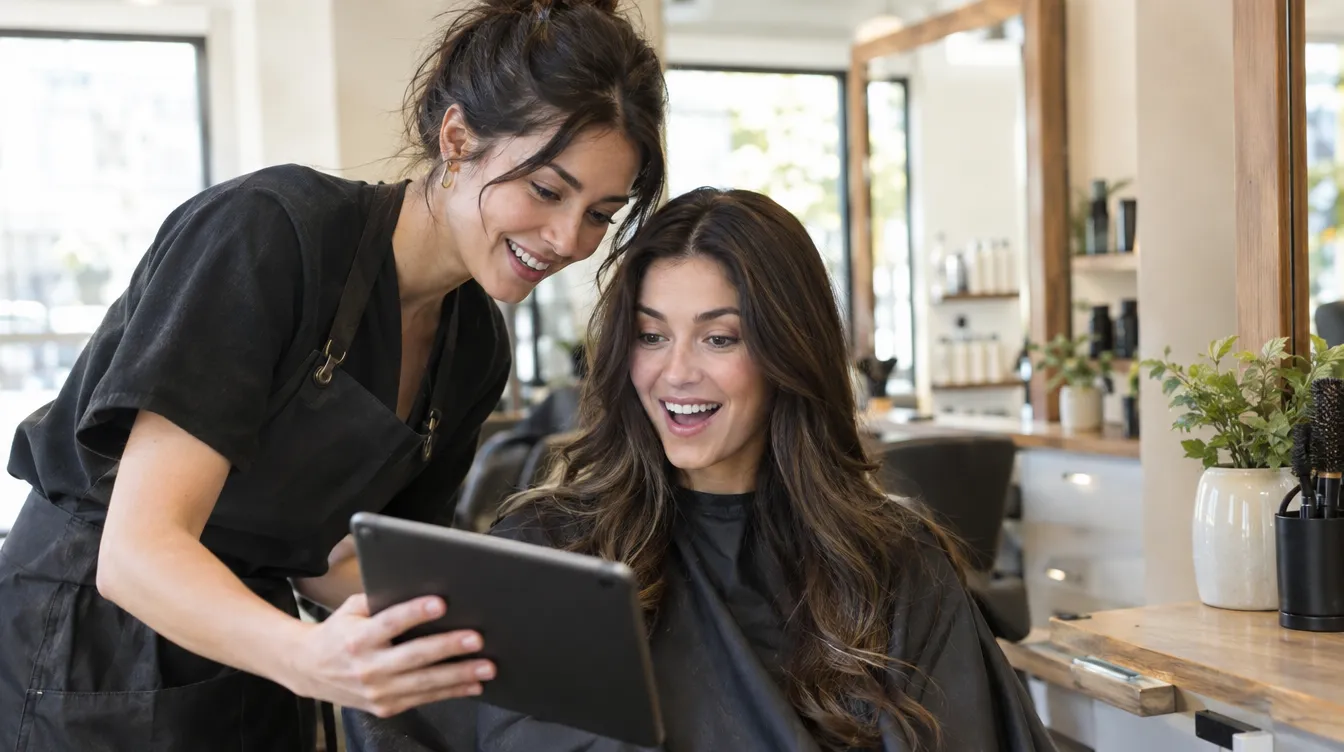
“I want this,” says the client, showing you a photo from Instagram. What the photo does not show is whether it will look like that on them. Virtual try-on brings that conversation closer to reality before you touch a single strand.
How to use it
- Upload a front-facing photo of the client, with their hair as they wear it today.
- Upload the photo of the target hair: from a magazine, from social media or from your own work.
- Choose what to copy: everything, just the colour or just the cut.
In a few seconds you have the simulation. Only the hair changes: the face, clothes and background stay as they are in the photo.
What it is really for
- To choose between two shades without taking a gamble.
- To make a big change less scary.
- To say no with good reasons, when the target look does not suit them.
It is a simulation to help decide, not a promise of the result: what you achieve in the salon depends on the real hair. Always say so when you show it.
Keep reading
- Colour formulas with AI: from the current hair to the target shade
Two photos, your hair colour brand and the technique: the Copilot suggests a mix in grams, developer, timings and warnings.
AI Copilot · 23 September 2026 - Hair analyser: is this hair ready for bleaching?
A photo before the service and a clear verdict: suitable, with caution or not recommended, with the reason and the alternative.
AI Copilot · 4 September 2026 - Face shape study with AI: the cut and colour that suit each face best
From a front-facing portrait, the Copilot studies the shape of the face and colour harmony and recommends cuts and shades.
AI Copilot · 14 August 2026