Virtual try-on
Show your client how the change would look before touching a single strand.
- Upload her photoA front-facing photo of the client, with her hair as she wears it today.
- Upload the targetA photo of the hair she wants: from a magazine, from Instagram or from your own work.
- Choose what to copyEverything, just the colour or just the cut. You get the simulation in a few seconds.
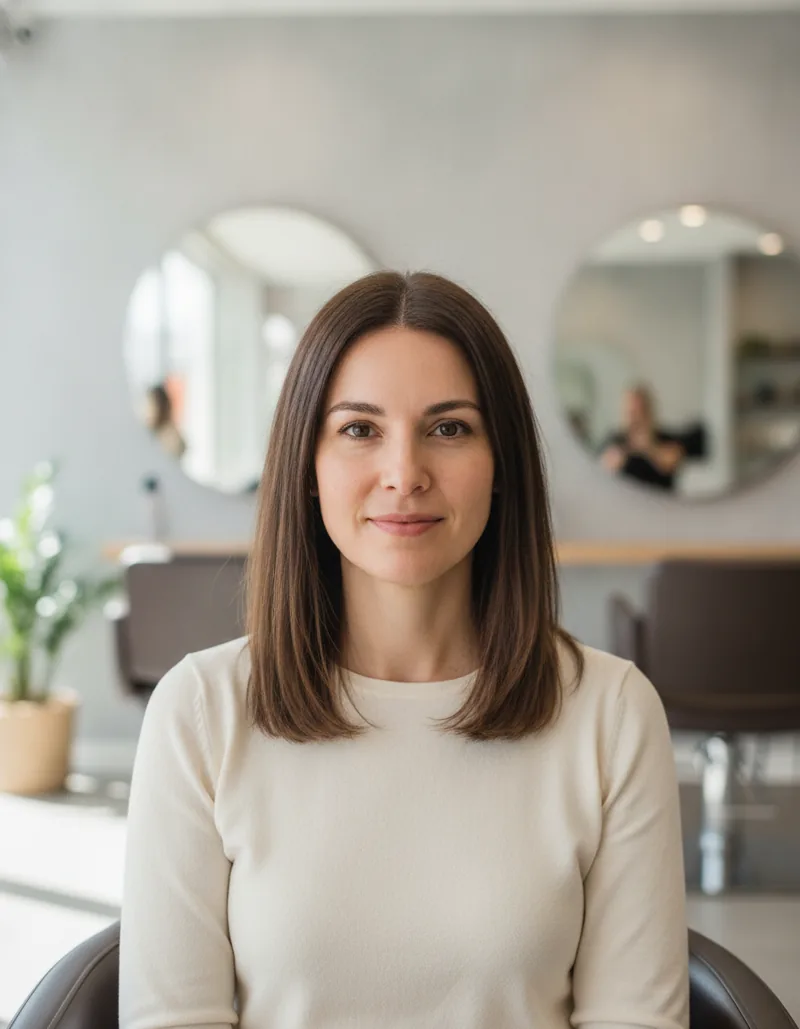
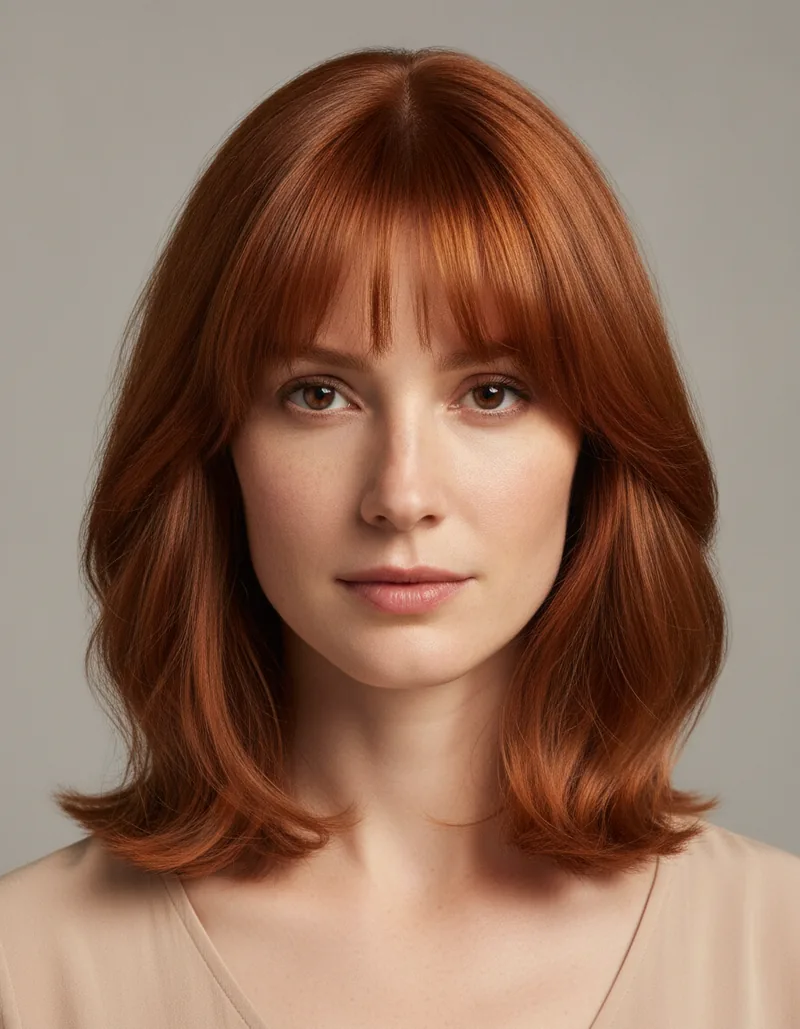
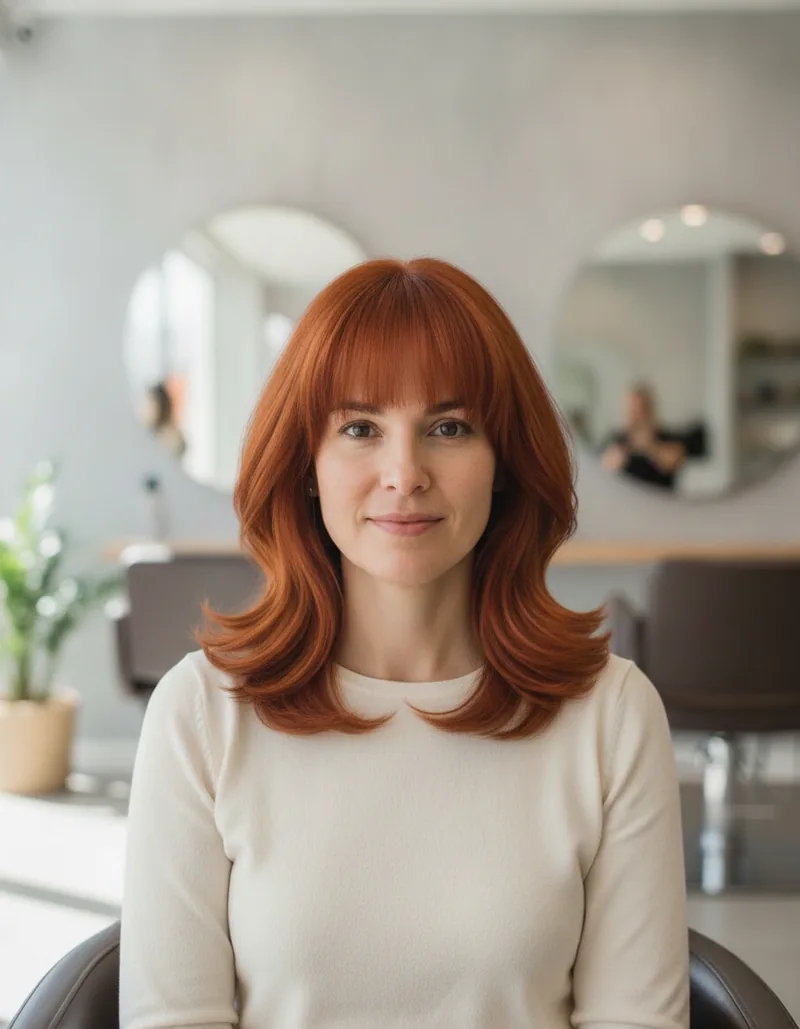
Only the hair changes: the face, clothes and background stay as in the photo.
Create formula
Suggests the colour mix, the developer and the timings to get from the current hair to the target.
- Two photosThe current hair and the shade you want to reach.
- Your brandEnter the brand and hair colour line you use and the technique (roots, full head, highlights…).
- The formulaYou get a diagnosis, the mix in grams, developer, processing times and warnings.
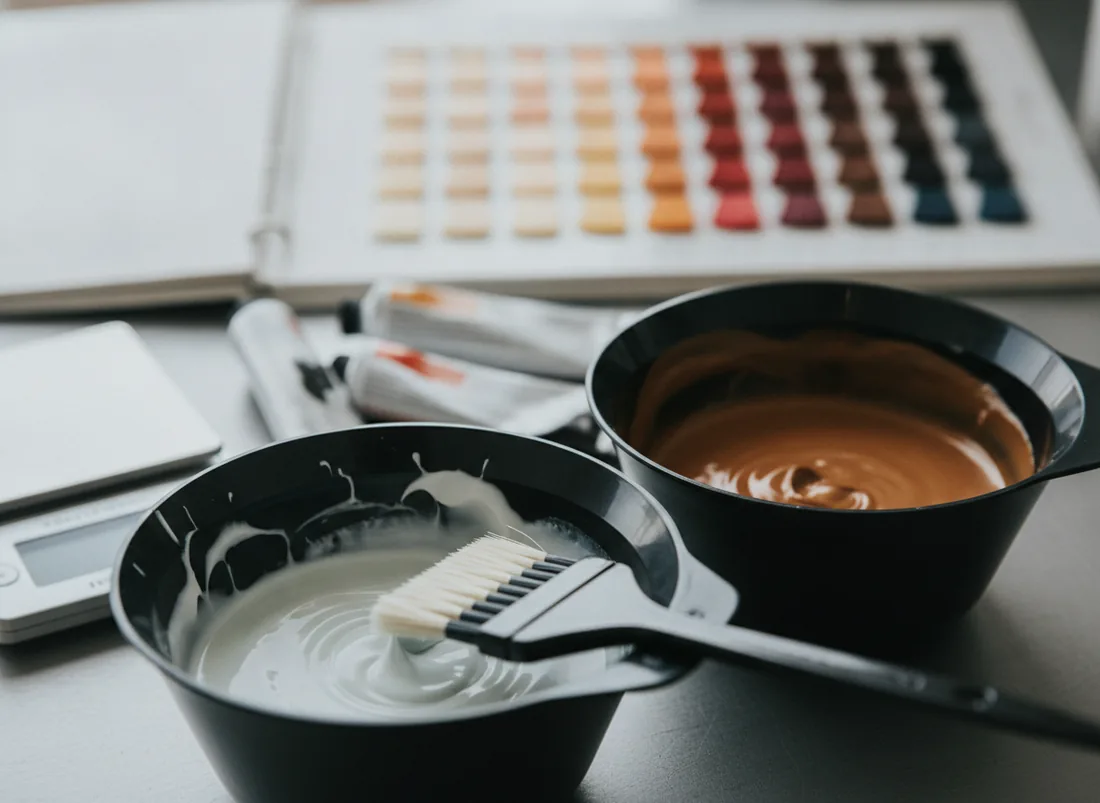
What you get
- Diagnosis: Natural base, grey hair, porosity and condition
- Mix: Shades and grams of each
- Developer: Volumes and ratio
- Timings: Processing by area
- Alerts: What to check before starting
It's a reasoned proposal: the decision and the strand test are always yours.
Colour corrector
Fixes a colour that has gone wrong: what happened, why and how to correct it.
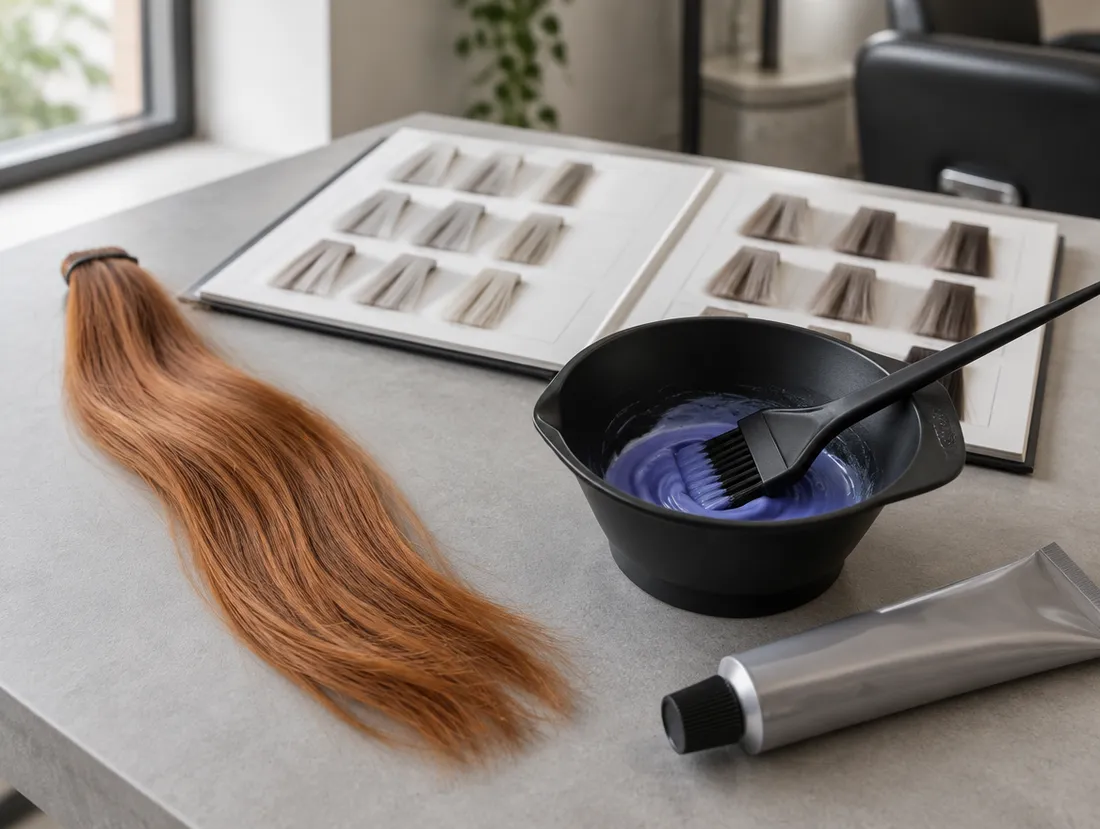
- Two photosHow the colour turned out and the one the client wanted (or one from the looks catalogue).
- What went wrongOrange, green, yellow, patchy, mismatched roots, too dark or grey hair not covered, and what was applied.
- The planThe cause, how serious it is and the steps to correct it with your brand: neutralise, remove colour or pre-pigment, with mixes and timings.
What you get
- What happened: The problem, its cause and the areas
- Severity: Mild, moderate or serious
- Plan: Neutralising, colour removal or pre-pigmentation
- Mixes: Products and grams with your brand
- Alerts: What to check before starting
It's a reasoned proposal: always do a strand test before correcting.
Hair analyser
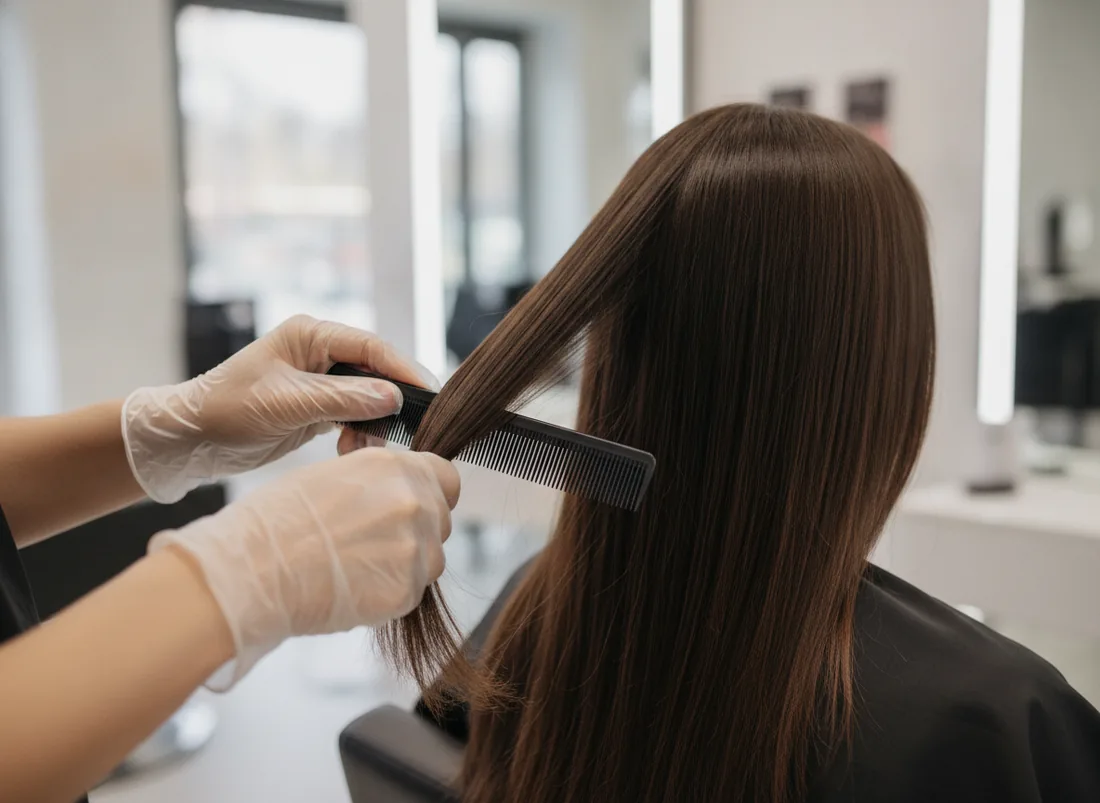
Checks a photo before the service and tells you whether the hair is in a fit state for it.
- Choose the serviceColour, bleaching, straightening, cut, treatment…
- Upload a photoOf the hair or the scalp, in good light.
- Read the verdictSuitable, with caution or not recommended, with the reason and what to do instead.
What you get
- Verdict: Suitable, with caution or not recommended
- Hair: Condition, porosity and ends
- Scalp: Visible signs and whether to refer to a doctor
- Alternatives: What to offer if today isn't the day
It isn't a medical diagnosis: if a sign looks doubtful, recommend seeing a healthcare professional.
Face shape study
Studies the face shape and colour harmony and recommends the most flattering cut and shades.
- A front-facing photoWith the hair pulled back from the face if possible.
- What she wantsTell it whether she wants a subtle change, a bold one or just ideas.
- The studyFace shape, cuts that balance it and a palette of shades that suit her.
What you get
- Face: Shape and proportions
- Cuts: The ones that flatter her and why
- Colour: Recommended shades and the ones to avoid
- Tips: Fringe, parting and volume
A starting point for the conversation with the client, not a rule.
Bride 360
Plans the complete bridal look and shows it to her: hairstyles, colour, timeline and the schedule for the day.
- Tell it about the weddingDate, style, the dress if she already has it and what she'd like.
- Get the planSeveral looks, the preparation timeline up to the wedding and the schedule for the day.
- See it on herWith her photo, the Copilot creates a portrait with the hairstyle and dress of each look.
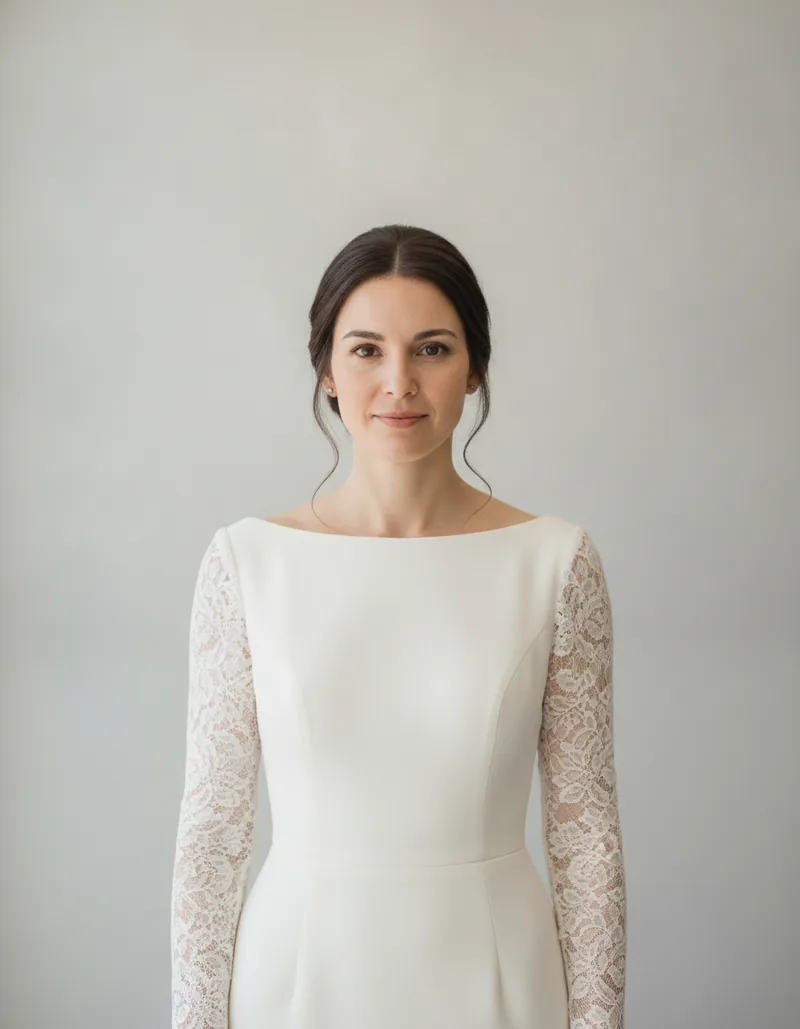
It helps choose a style calmly; the real result is worked out at the trials.
The images were generated with Gemini, the Google model the Copilot uses: the people in them do not exist. They are simulations to help decide, not a promise of the result.