Blog · Till and sales · · 4 min read
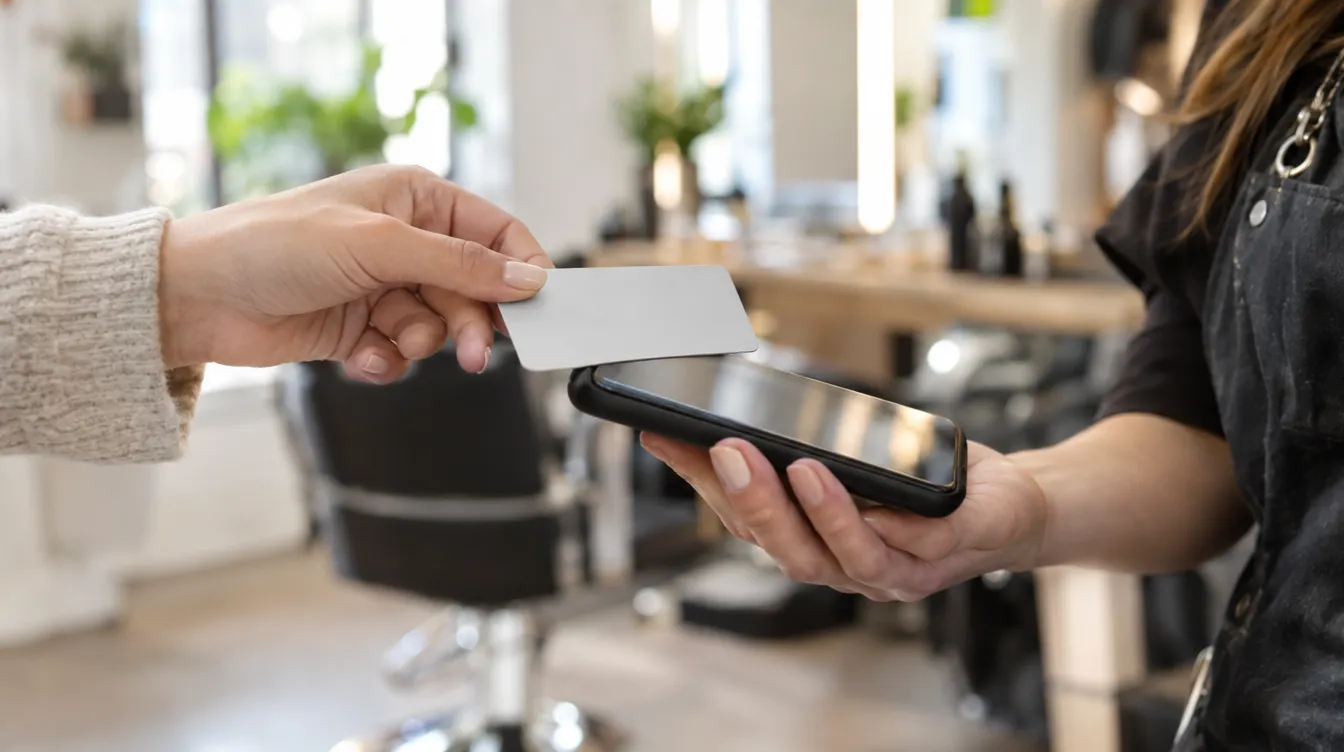
If you work at clients' homes, share premises or simply don't want another device on the counter, you can take card payments with just your iPhone from the TonoLab app.
What you need
- An iPhone XS or later, with iOS up to date.
- The TonoLab app for iPhone with your salon's account.
- A Stripe account for the salon, which is what processes the payment.
- The Apple ID of the person who manages the account, to accept Apple's terms just once.
How to take payment
- Prepare the receipt in the app's till and tap “Tap to Pay on iPhone”.
- The client holds their contactless card, iPhone or watch near the top of your iPhone.
- If the bank asks for a PIN, hand them the iPhone so they can enter it themselves.
- Once it's approved, the sale is saved in the till with its receipt.
Where the money goes
Straight from the client's card to your salon's Stripe account: it doesn't go through TonoLab, which doesn't charge a commission on each payment either. Stripe applies its own fees.
The first time, the reader takes a couple of minutes to get ready. Do it calmly before you open, not with your first client standing in front of you.
Keep reading
- Charge for an appointment in three taps with the POS
Today's appointment loads itself into the receipt, you add the products, choose the payment method and you're done: sale recorded, appointment completed and stock deducted.
Till and sales · 3 October 2026 - Sell more products in the salon without a separate till
Services and products on one receipt, stock that updates itself and a clear figure for how much retail brings in each month.
Till and sales · 12 August 2026 - Virtual try-on: show the new look before you pick up the scissors
With a photo of the client and another of the hair they want, the Copilot generates a simulation of how it would look in seconds.
AI Copilot · 9 October 2026