Blog · Till and sales · · 4 min read
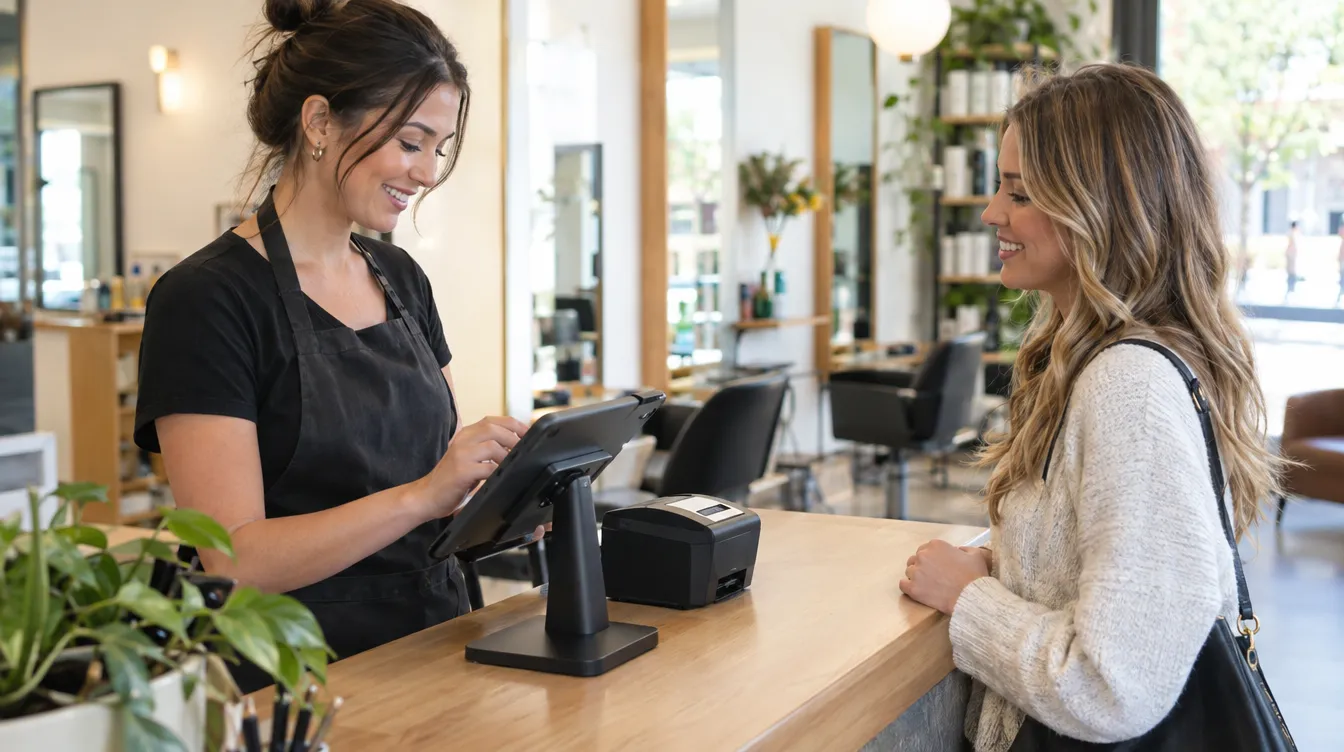
Taking payment is when you're in the biggest hurry and when it's easiest to forget to write things down. TonoLab's POS is designed so that charging and recording everything are the same action.
From the appointment to the receipt
- Open “POS” and go to the “Today's appointments” tab.
- Tap the appointment: client, service, professional and price are loaded.
- Add products if they're taking something home, apply a discount or redeem a session from their package.
- Choose the payment method (card, cash, Bizum or bank transfer) and tap “Charge”.
What happens when you charge
- The appointment becomes completed in the calendar.
- The sale is added to the day's income and to the analytics.
- The stock of the products sold is deducted automatically.
- If the client has a record, their points are added.
The receipt
When you charge, or when you open a sale from the “Sales” tab, you can print the receipt. It's designed for 80 mm receipt printers. It's an informative receipt, not an invoice.
You can also sell without an appointment: add services and products to the receipt from the catalogue and, if you like, assign it to a client.
Keep reading
- Take card payments without a card terminal: Tap to Pay on iPhone
Your iPhone becomes the terminal: the client holds their card or phone near it and the sale goes into the till. What you need and how to take payment.
Till and sales · 26 September 2026 - Sell more products in the salon without a separate till
Services and products on one receipt, stock that updates itself and a clear figure for how much retail brings in each month.
Till and sales · 12 August 2026 - Virtual try-on: show the new look before you pick up the scissors
With a photo of the client and another of the hair they want, the Copilot generates a simulation of how it would look in seconds.
AI Copilot · 9 October 2026