Blog · Clients · · 3 min read
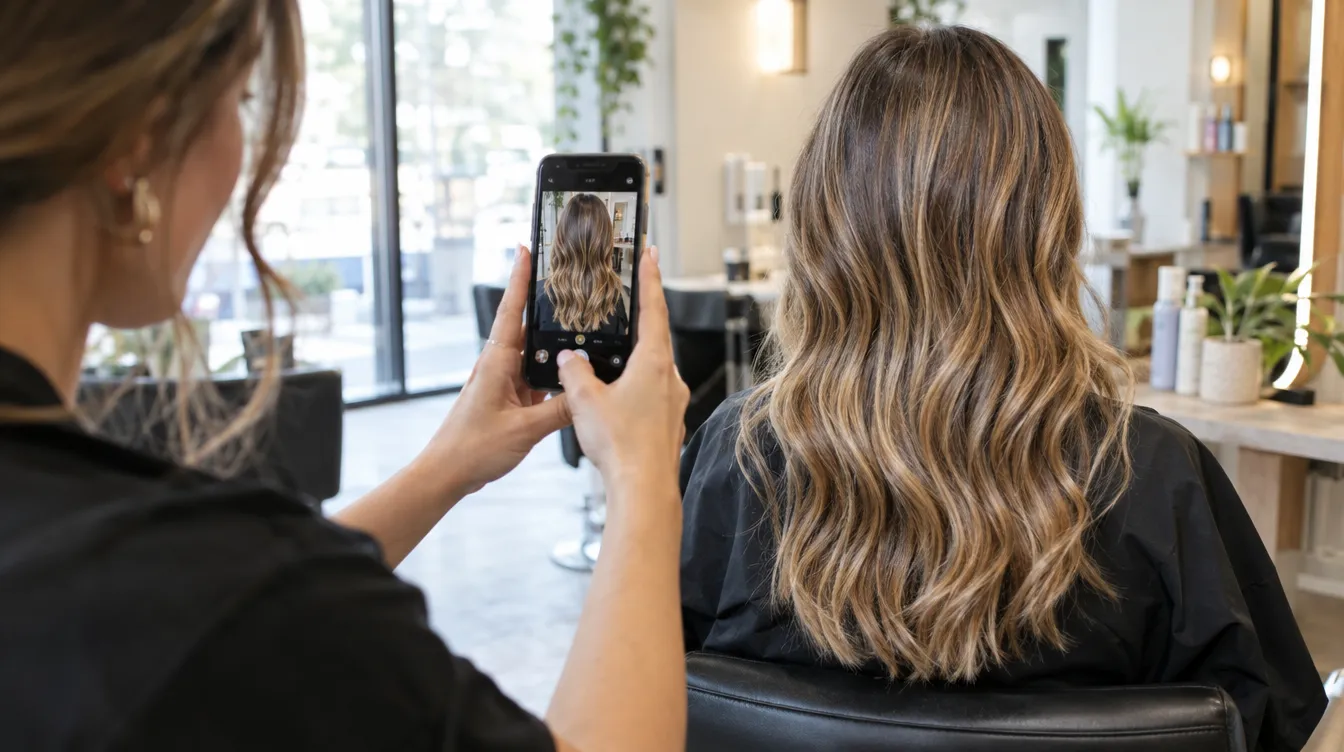
A photo of the result says more than any note: the exact shade, the height of the gradient, how the fringe turned out. But they're personal data, and they have to be treated as such.
Permission comes first
Each record has a Permissions section. Until you turn on “Use of photos”, once the client gives you their authorisation, the record won't let you upload photos. It isn't an obstacle: it's what protects you.
If they change their mind
If the client withdraws permission, the saved photos are hidden. They aren't deleted: if they authorise it again, they're still there.
What they're for day to day
- Comparing between visits how a colour or a treatment is developing.
- Letting any professional on the team repeat a result.
- Showing the client where they started when they doubt there's been any change.
Keep reading
- The client record that remembers what you can't
Details, preferences, hair profile, history with formulas and next appointment: all on one screen and with no save button.
Clients · 29 September 2026 - Virtual try-on: show the new look before you pick up the scissors
With a photo of the client and another of the hair they want, the Copilot generates a simulation of how it would look in seconds.
AI Copilot · 9 October 2026 - Get your salon up and running on TonoLab in an afternoon
From sign-up to your first appointment: the order in which to set up hours, team and services so you can start working the same day.
Getting started · 8 October 2026