Blog · Online booking · · 4 min read
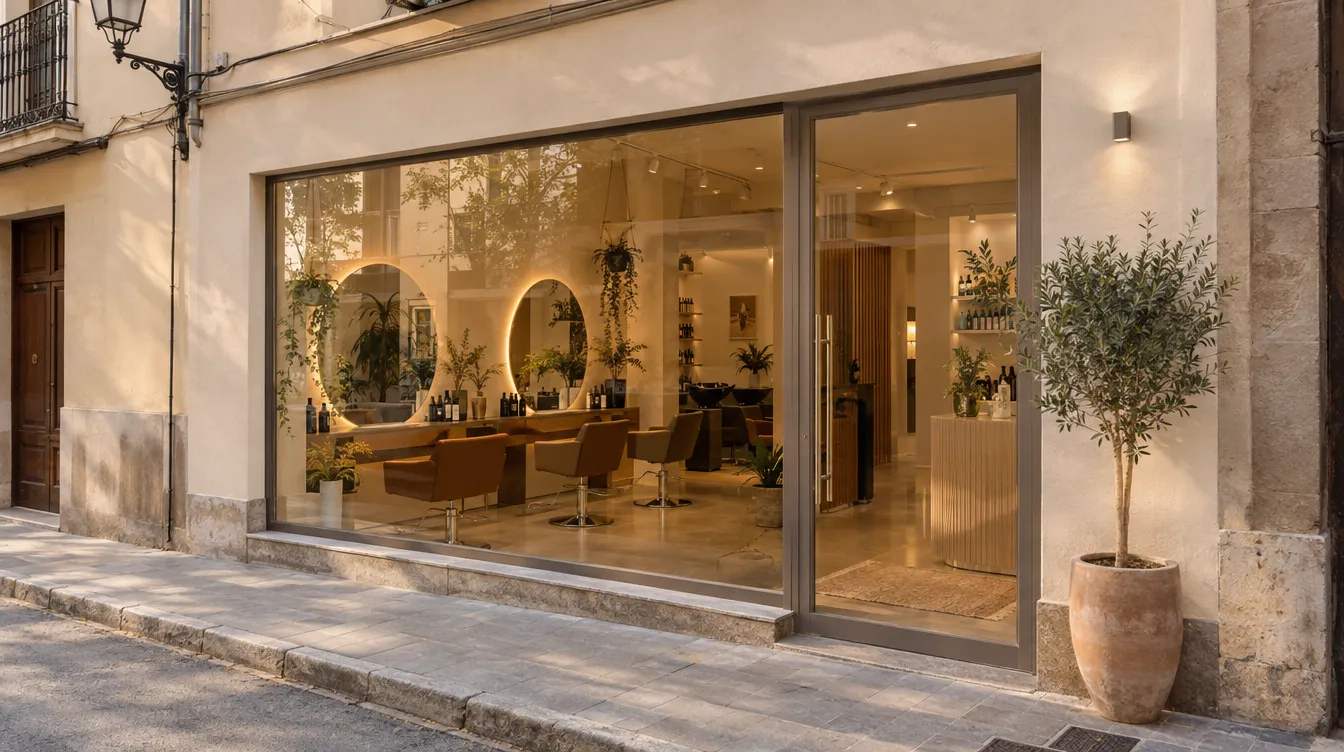
Anyone looking for a hair salon wants to know three things before calling: what you do, how much it costs and whether there is a free slot. Your page in the TonoLab directory answers all three.
What it shows
- The salon's description and photos.
- Your services with their prices, taken from your catalogue.
- Your opening hours, address and what you offer (Wi-Fi, card payments, accessibility…).
- Reviews from your clients.
- A button to book an appointment online.
It keeps itself up to date
You fill in the description and upload the photos in Settings › Showcase. From then on, whatever you change in the dashboard (a price, a new service, your opening hours) reaches the public page a moment later.
Where people find you
On the home page, your clients search by city, by service and by type of salon, filter by price, rating and services, and can sort by distance. Each salon also has a page that search engines read.
Photos are what count. Three good photos of real work and one of the premises are worth more than ten stock images.
Keep reading
- Online appointments 24 hours a day: how to turn on booking without losing control
Your clients book at any time and you decide the interval, the notice period, the maximum booking window and the cancellation rules.
Online booking · 10 September 2026 - Verified reviews: only people who have been to your salon can review it
In TonoLab, only clients with an account who have already had an appointment with you can write a review. Less noise, more trust.
Online booking · 18 August 2026 - “My appointments”: what your clients see when they book
With their account, each client sees their next appointment, changes or cancels it within the deadline and saves their favourite salons.
Online booking · 22 July 2026