Blog · Getting started · · 3 min read
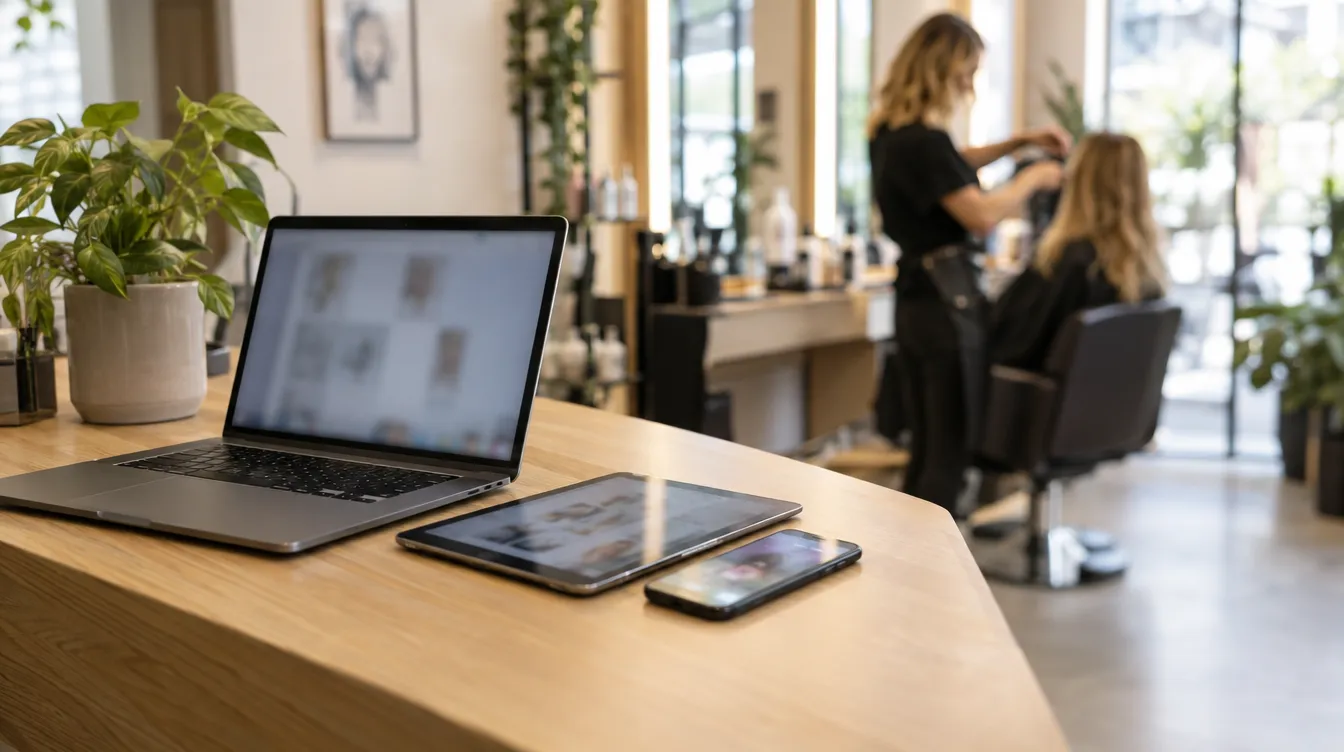
A salon isn't run from a single chair. Appointments are booked at reception, the client record is checked in the treatment room and, in the evening, from the sofa, you feel like seeing how the day went. TonoLab is designed for that.
One account, the same data everywhere
Your data is stored in your salon's account, on the platform's server. You sign in with your e-mail and password from any browser or from the phone app and see exactly the same thing. When you sign out, nothing from the salon is left in that browser.
Two screens at once
You can have the app open on two computers with the same login: what changes on one appears on the other. If two people edit the same section at the same time, whoever saved last is kept.
Your way
- Light or dark theme: change it with the sun icon in the side menu, in your profile or in Settings › Appearance.
- The salon's trading name shows at the top left and is changed in your profile.
- If you forget your password, you recover it with the code generated in Settings › Access.
Keep reading
- Get your salon up and running on TonoLab in an afternoon
From sign-up to your first appointment: the order in which to set up hours, team and services so you can start working the same day.
Getting started · 8 October 2026 - How to build a service catalogue that keeps everything else in order
The catalogue is the piece the calendar, the POS and your public page hang from. Here's how to approach categories, lengths and prices.
Getting started · 27 August 2026 - Virtual try-on: show the new look before you pick up the scissors
With a photo of the client and another of the hair they want, the Copilot generates a simulation of how it would look in seconds.
AI Copilot · 9 October 2026